


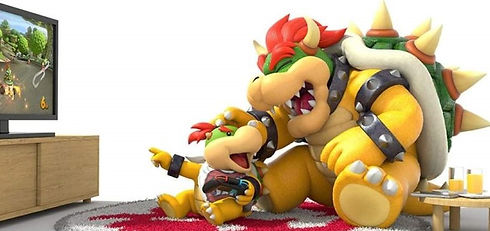
Gaming Safety and Parental Control Tips for Parents
Practice Safe Downloading
Only download from trusted developers and app stores- some gaming consoles.
Set Rules and Enforce Them
When in doubt, blame the developer and enforce the ESRB content rating and age requirements. While your child is in the home try limiting screen-time and enforcing the rules as a family.
Enable Parental Control Settings and 3rd Party Services
Always be the first to open and set up an Internet-connected device. At this time you can enable advanced privacy and security features, set a master password, and install a parental control monitoring app.
Keep Device, Router, and Anti-Virus Software Up-To-Date
Your devices and software are frequently pushed updates designed to address critical vulnerabilities and bugs.
Updates antivirus software is recommended on all connected devices to defend against cyber attacks.
Be Aware of Potential Scams
Teach your children that nothing good is ever free. In fact, thieves are targeting vulnerable individuals by luring them to instructional videos explaining how to earn free in-game content.
Games Channel
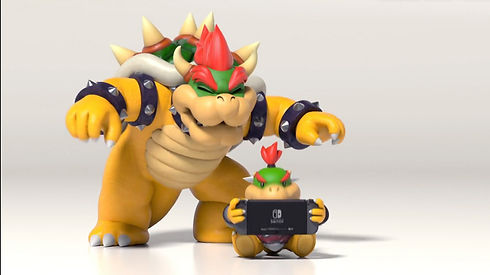
Play funny games with Bowser Junior and his family Koopaling, And also with Mario & Luigi family too :)


